CompanionPre-release · macOS
Robo and Khronos. Two characters, one mind, on your Mac.
AI characters that see your screen and teach.
You talk to them like a person. For anyone older who finds the computer hard, Robo circles the button that matters and waits for the click. For a child, she teaches on a whiteboard, drawing each line as she says it. What she learns about you stays on your Mac.
Ask like a child would.
Pick a question. Watch her answer it.
Each of these was asked out loud in the Mac app, and Robo drew and taught it on her whiteboard. Nothing here is a mock up: it is her lesson, replayed in this page.
Turn the sound on.
Real lessons, in their own voices
Ask how something works and the whiteboard opens. The pen and the voice run on one clock, so each line appears the moment it is named. Both videos below were made by the app in one tap, with the voice and captions it recorded. Nothing was re-recorded or edited.
Robo, for a child
How plants drink water
A question from the kids. A smiling sun and a thirsty plant first, then the inside of the stem.
Khronos, for a grown-up
How SpaceX rockets land back
He looked it up, drew the booster coming home, then the maths behind the landing.
Chatbots answer in paragraphs. These two show it.
Everything else, at work.
The film
Robo teaching on her whiteboard, typing in any app, tidying a folder and putting it back, remembering what you told her. Khronos reading your screen, handling an inbox, turning a video into a recipe and research into slides, and building a small app once you approve.
Every take is the real app in real time. Where a wait was cut short, the shot says so. The narrator is an AI voice and is labelled as one.
For the people today’s AI leaves out.
For anyone older who finds the computer hard
- It shows the way, one click at a time. Ask how to do something. It circles the first button in the real app, waits for your click, then circles the next one.
- No prompts to learn. Talk to it like a person, in your own language. It follows whatever you speak, switches when you ask, answers out loud in plain words, and translates into several languages at once.
- It asks before anything that cannot be undone. Sending mail, writing a file or running a command shows you exactly what is about to happen, and waits for your yes.
- It looks after you. A morning hello with where you left off, reminders on a paper notepad, and a two minute stretch when you have sat too long.
For a child who keeps asking why
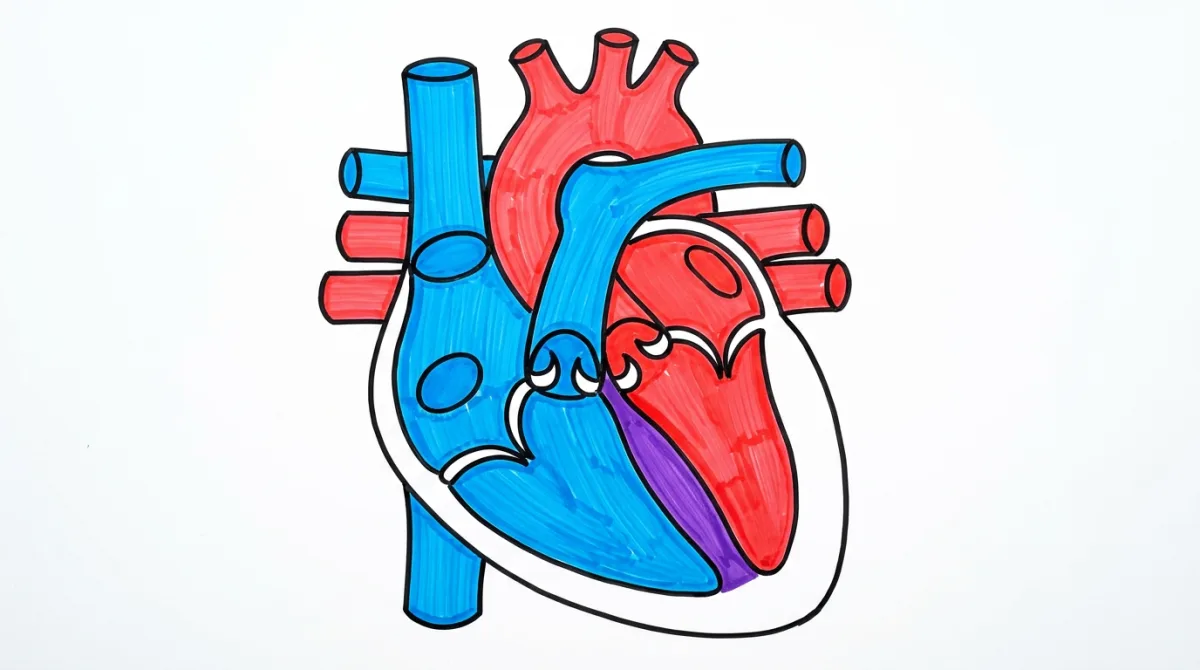
- Lessons on a whiteboard. How a rainbow forms, how the heart pumps blood, how a plane flies. Every lesson is saved to a library, and one tap turns it into a captioned video.
- It draws what a child asks for. A rabbit, a rocket, a castle, stroke by stroke while they watch.
- Kid mode, with a lock only a parent can open. Email, shell commands and other risky tools are removed before the model ever sees them. Leaving kid mode takes a parent's PIN, typed on screen, that never passes through the AI, and wrong guesses lock it for longer each time.
No keyboard needed.
Talk the way you like
Say its name.
Any name works, with no training, and the request can come in the same breath.
Or just look at it and talk.
Switch on look and talk and let it learn where your eyes land. Then a glance is enough.
A key always in reach.
Double tap left Command to talk, or hold right Option like a walkie talkie.
A real conversation.
Hold left Command for three seconds for live back and forth. Cut in and it stops to listen.
Snap twice.
Two finger snaps wake it, if you switch that on.
Your hand says it.
With the camera on, an open palm stops it, and a thumbs up or down answers its question.
A companion for your family cannot make things up.
Built so it cannot bluff
Eight checks run underneath the model, each one written after a real failure. In a typed reply it cannot claim to have seen, measured, remembered, or done something it did not, and a draft that fails a check is rewritten before it reaches you. In a live spoken conversation it is corrected straight away if it claims an action it did not take, or says it does not remember without looking.
- Nothing irreversible happens quietly. Writing a file, sending mail, or running a command shows you exactly what it is about to do, and waits. With no one there to ask, it refuses.
- It can tell you why it believes something about you. How many times it saw it, over what period, and whether you told it or it worked it out.
- Sleep, and a full stop. Sleep releases the microphone and camera at the system level. Emergency stop blocks senses, actions and every provider call, survives a restart, and only lifts on your machine.
One mind, two faces. More to come.
Two characters, one mind
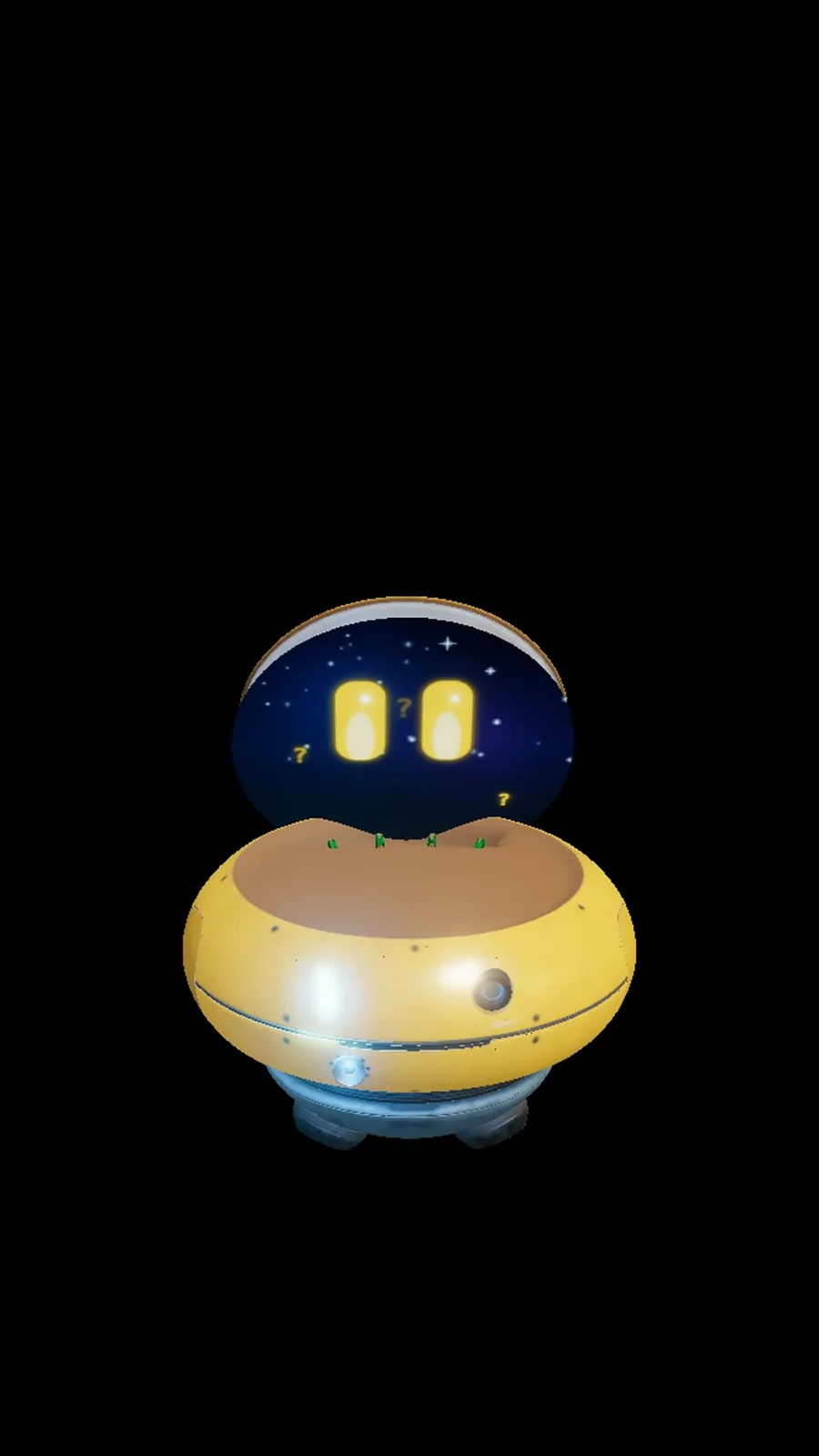
Robo is a small, caring robot with a face on her lid. Khronos is a calm British butler who appears as a sphere of light. Each has a voice and manner of their own. The memory, the checks and the tools underneath are the same, so a new character is a new face on the same careful mind.
And the everyday, in between.
Everything else it does
- Reads the page in front of you, when you allow it
- Remembers you, in a database on your Mac
- Puts you back in the apps and pages you were using
- Sits in meetings and tells you who said what
- Draws diagrams and walks you through them
- Sketches an app on a napkin, then a clickable prototype
- Research that becomes a document, sources listed
- Learns a task after you show it once
- Tidies a messy folder. Nothing is deleted, only moved to the Trash
- Lights, heating and TV through Home Assistant
- Your music, and a little projector
- 155 built in abilities, plus add-ons, each off until you turn it on
Walk with it first.
The Founding Nine
For Macs with Apple Silicon. Nine people will receive complimentary early access. In return for genuine use, they agree to share an honest public post and disclose their complimentary access. A positive review is never required. Complimentary access does not automatically become a paid plan.